Cross-Platform Mobile Development: Five Popular Frameworks
Jan 19, 2026
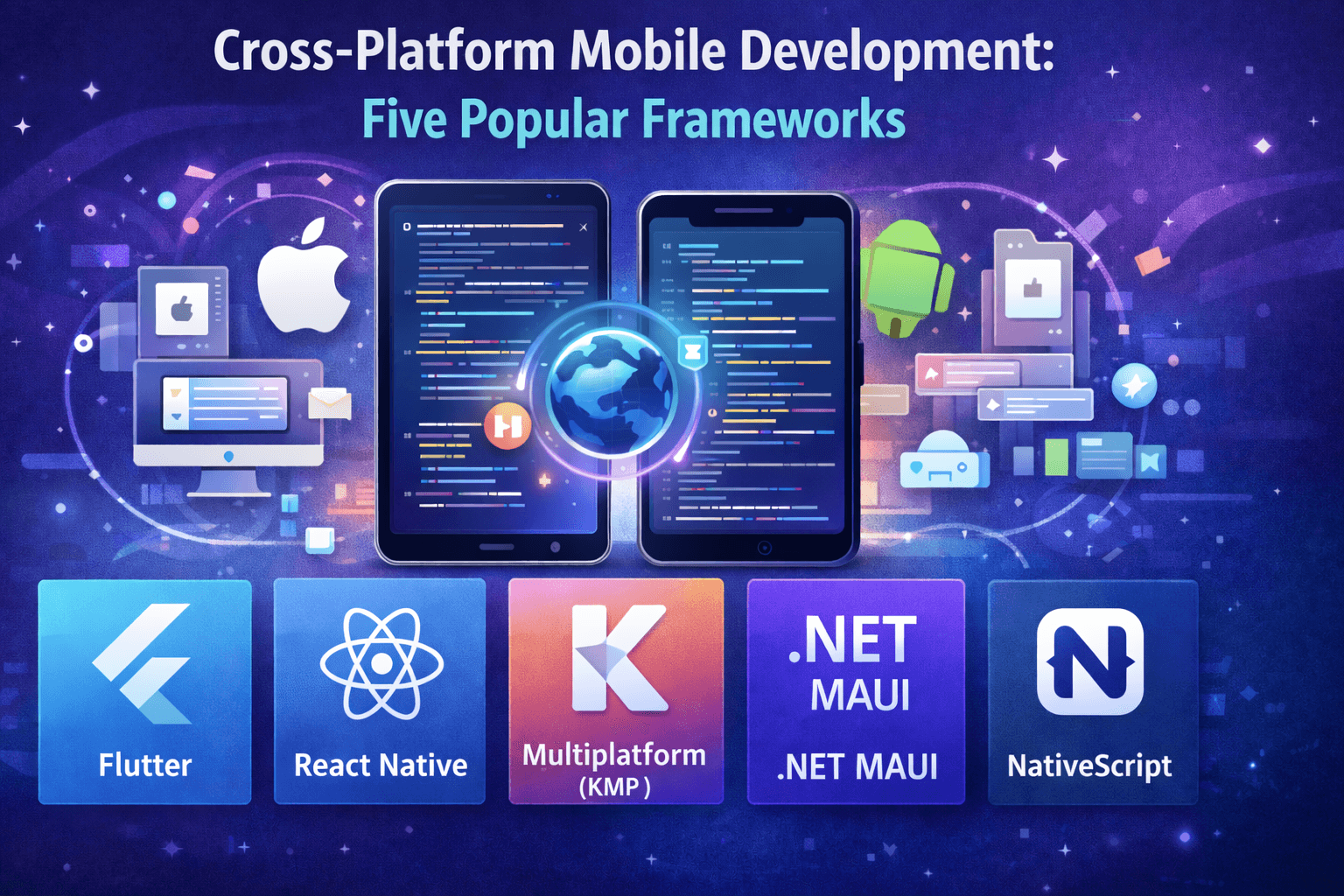
In today’s mobile-first world, many businesses want their app to reach both Android and iOS users — without doubling development time and effort. That’s where cross-platform mobile app development comes in. Using a single codebase, developers can build apps that work across multiple platforms, dramatically reducing development time and cost.
But which frameworks are worth considering? In this post, we explore five of the most popular cross-platform frameworks in use today — examining their strengths, tradeoffs, and the types of projects they’re best suited for.
What is Cross-Platform Mobile App Development?
Before diving into frameworks, let’s clarify what we mean by cross-platform mobile app development.
Cross-platform / Multiplatform apps share (some or all) source code across platforms. Instead of writing a native Android app (e.g., Kotlin/Java) and a native iOS app (Swift/Objective-C) separately, you write once and run on both.
This approach stands in contrast to:
Native apps, where each platform requires its own codebase.
Progressive Web Apps (PWAs), which run in browsers and often don’t have full access to device features.
Hybrid apps, which use web technologies (HTML, CSS, JS) wrapped in a native shell — often with limitations in performance or device feature support.
Why choose cross-platform mobile app development?
The benefits are compelling:
Reusable code — avoid duplication across platforms.
Faster time-to-market and lower development cost.
Easier maintenance and updates.
Reach wider audiences (both Android and iOS) more efficiently.
That said, there is no “one-size-fits-all.” Each framework has trade-offs. Your choice should depend on your project’s requirements, team expertise, UI needs, and long-term roadmap.
Five Popular Frameworks for Cross-Platform Mobile App Development
Here are five frameworks that stand out in 2024–2025, used by many companies worldwide.
Framework | Language / Tech | Why It’s Popular | Best For… |
Flutter | Dart (by Google) | • Hot reload for fast UI iteration • Own rendering engine (not WebView) • Rich widget library (Material Design), smooth UI • Large, active community and rising adoption | Apps needing smooth, custom UI across platforms (e.g. consumer apps, MVPs), fast development |
React Native | JavaScript / React | • Leverages popular JS/React ecosystem • Fast Refresh for quick UI changes • Renders to native UI components (not just WebView) • Strong community, many libraries / plugins | Apps where you already have JS expertise, need dynamic UI, or want to build quickly with familiar stacks |
Multiplatform (KMP) | (shared code), native UI / or Compose Multiplatform for UI | • Enables sharing business logic (and optionally UI) across platforms • Native performance + flexibility • Seamless integration into existing native projects • No need for a new language if you’re already on | Projects with heavy business logic, existing native codebase, or teams proficient in Kotlin; apps needing deep native integrations |
.NET MAUI | C# + XAML (.NET) | • Microsoft-supported, learns from Xamarin legacy • Single project targeting Android, iOS, Windows, macOS • Access to native device APIs (GPS, battery, sensors) • Hot reload for faster development cycle | Enterprise apps, business apps, or teams with C#/.NET experience; apps targeting both mobile + desktop |
NativeScript | JavaScript / TypeScript (or Angular/Vue) | • Enables access to native APIs directly (not via WebView) • Renders native UI components • Lots of plugins and templates available • Good for small companies or startups | Startups or small teams building simple-to-moderate complexity apps, especially if using Angular/Vue + JS/TS |
How to Choose the Right Framework (Guiding Questions)
According to the docs, SaM Solutions and AppInventiv, when picking a framework, you should carefully evaluate:
Team expertise & tech stack
Do you have developers who know JS? Then React Native or NativeScript might fit.
Do you have or .NET developers? Then KMP / MAUI could be ideal.
2. Project requirements & performance needs
Is UI/UX central to your app (animations, custom interactions)? Flutter or React Native shines.
Do you need deep native integrations (e.g., using device APIs, platform-specific SDKs)? KMP or .NET MAUI may be better.
3. Code reuse vs native feel
If you want full code sharing (logic + UI) — Flutter is strong.
If you prefer sharing only logic, while retaining native UI — KMP gives that flexibility.
4. Time-to-market and maintenance cost
Cross-platform frameworks speed up development and simplify maintenance versus building two native apps.
Also consider long-term support: choose frameworks with active communities and strong corporate backing.
5. Ecosystem and maturity
A mature framework brings more stable libraries, better documentation, and a larger community.
Evaluate plugin availability, compatibility with device features, and how easily you can debug and test across platforms.
6. Security & compliance
For apps handling sensitive data (e.g., fintech, health), ensure the framework lets you manage data securely, access platform APIs safely, and maintain code hygiene.
When Cross-Platform Might Not Be the Best Fit
Cross-platform is powerful — but not always ideal. Some of the common trade-offs:
Performance — Some frameworks (especially hybrid ones) may lag compared to native apps, especially for heavy graphics, animations, or resource-intensive tasks
Native feature gaps — If your app heavily depends on platform-specific APIs or cutting-edge OS features, native development may still be easier.
Complex UI / UX needs — While frameworks like Flutter or React Native manage well, some unique UI patterns might still need platform-specific tweaks.
Dependency on community/ecosystem — Newer or less popular frameworks may lack mature plugins, libraries, or community support, making development harder
Conclusion
Cross-platform mobile app development offers a powerful way to build apps for both Android and iOS — without doubling the codebase or doubling the time. But the “best” framework depends heavily on your project’s goals, your team’s skills, and the kind of user experience you want to deliver.
If you’re building a mobile app for your business (or a client), start by carefully mapping out: your team’s expertise, project requirements, target platforms, and long-term roadmap. Then, align those with the frameworks above to make a strategic decision.
In today’s mobile-first world, many businesses want their app to reach both Android and iOS users — without doubling development time and effort. That’s where cross-platform mobile app development comes in. Using a single codebase, developers can build apps that work across multiple platforms, dramatically reducing development time and cost.
But which frameworks are worth considering? In this post, we explore five of the most popular cross-platform frameworks in use today — examining their strengths, tradeoffs, and the types of projects they’re best suited for.
What is Cross-Platform Mobile App Development?
Before diving into frameworks, let’s clarify what we mean by cross-platform mobile app development.
Cross-platform / Multiplatform apps share (some or all) source code across platforms. Instead of writing a native Android app (e.g., Kotlin/Java) and a native iOS app (Swift/Objective-C) separately, you write once and run on both.
This approach stands in contrast to:
Native apps, where each platform requires its own codebase.
Progressive Web Apps (PWAs), which run in browsers and often don’t have full access to device features.
Hybrid apps, which use web technologies (HTML, CSS, JS) wrapped in a native shell — often with limitations in performance or device feature support.
Why choose cross-platform mobile app development?
The benefits are compelling:
Reusable code — avoid duplication across platforms.
Faster time-to-market and lower development cost.
Easier maintenance and updates.
Reach wider audiences (both Android and iOS) more efficiently.
That said, there is no “one-size-fits-all.” Each framework has trade-offs. Your choice should depend on your project’s requirements, team expertise, UI needs, and long-term roadmap.
Five Popular Frameworks for Cross-Platform Mobile App Development
Here are five frameworks that stand out in 2024–2025, used by many companies worldwide.
Framework | Language / Tech | Why It’s Popular | Best For… |
Flutter | Dart (by Google) | • Hot reload for fast UI iteration • Own rendering engine (not WebView) • Rich widget library (Material Design), smooth UI • Large, active community and rising adoption | Apps needing smooth, custom UI across platforms (e.g. consumer apps, MVPs), fast development |
React Native | JavaScript / React | • Leverages popular JS/React ecosystem • Fast Refresh for quick UI changes • Renders to native UI components (not just WebView) • Strong community, many libraries / plugins | Apps where you already have JS expertise, need dynamic UI, or want to build quickly with familiar stacks |
Multiplatform (KMP) | (shared code), native UI / or Compose Multiplatform for UI | • Enables sharing business logic (and optionally UI) across platforms • Native performance + flexibility • Seamless integration into existing native projects • No need for a new language if you’re already on | Projects with heavy business logic, existing native codebase, or teams proficient in Kotlin; apps needing deep native integrations |
.NET MAUI | C# + XAML (.NET) | • Microsoft-supported, learns from Xamarin legacy • Single project targeting Android, iOS, Windows, macOS • Access to native device APIs (GPS, battery, sensors) • Hot reload for faster development cycle | Enterprise apps, business apps, or teams with C#/.NET experience; apps targeting both mobile + desktop |
NativeScript | JavaScript / TypeScript (or Angular/Vue) | • Enables access to native APIs directly (not via WebView) • Renders native UI components • Lots of plugins and templates available • Good for small companies or startups | Startups or small teams building simple-to-moderate complexity apps, especially if using Angular/Vue + JS/TS |
How to Choose the Right Framework (Guiding Questions)
According to the docs, SaM Solutions and AppInventiv, when picking a framework, you should carefully evaluate:
Team expertise & tech stack
Do you have developers who know JS? Then React Native or NativeScript might fit.
Do you have or .NET developers? Then KMP / MAUI could be ideal.
2. Project requirements & performance needs
Is UI/UX central to your app (animations, custom interactions)? Flutter or React Native shines.
Do you need deep native integrations (e.g., using device APIs, platform-specific SDKs)? KMP or .NET MAUI may be better.
3. Code reuse vs native feel
If you want full code sharing (logic + UI) — Flutter is strong.
If you prefer sharing only logic, while retaining native UI — KMP gives that flexibility.
4. Time-to-market and maintenance cost
Cross-platform frameworks speed up development and simplify maintenance versus building two native apps.
Also consider long-term support: choose frameworks with active communities and strong corporate backing.
5. Ecosystem and maturity
A mature framework brings more stable libraries, better documentation, and a larger community.
Evaluate plugin availability, compatibility with device features, and how easily you can debug and test across platforms.
6. Security & compliance
For apps handling sensitive data (e.g., fintech, health), ensure the framework lets you manage data securely, access platform APIs safely, and maintain code hygiene.
When Cross-Platform Might Not Be the Best Fit
Cross-platform is powerful — but not always ideal. Some of the common trade-offs:
Performance — Some frameworks (especially hybrid ones) may lag compared to native apps, especially for heavy graphics, animations, or resource-intensive tasks
Native feature gaps — If your app heavily depends on platform-specific APIs or cutting-edge OS features, native development may still be easier.
Complex UI / UX needs — While frameworks like Flutter or React Native manage well, some unique UI patterns might still need platform-specific tweaks.
Dependency on community/ecosystem — Newer or less popular frameworks may lack mature plugins, libraries, or community support, making development harder
Conclusion
Cross-platform mobile app development offers a powerful way to build apps for both Android and iOS — without doubling the codebase or doubling the time. But the “best” framework depends heavily on your project’s goals, your team’s skills, and the kind of user experience you want to deliver.
If you’re building a mobile app for your business (or a client), start by carefully mapping out: your team’s expertise, project requirements, target platforms, and long-term roadmap. Then, align those with the frameworks above to make a strategic decision.
Don't hesitate to contact us.
Grow Your Business With Us!
Reach out to us, and let's turn your vision into reality!
ADDRESS
8330 Lyndon B Johnson Fwy,
Dallas, TX 75243
© 2017 - 2026 Bilions. All rights reserved.
Don't hesitate to contact us.
Grow Your Business With Us!
Reach out to us, and let's turn your vision into reality!
ADDRESS
8330 Lyndon B Johnson Fwy,
Dallas, TX 75243
© 2017 - 2026 Bilions. All rights reserved.
Don't hesitate to contact us.
Grow Your Business With Us!
Reach out to us, and let's turn your vision into reality!
ADDRESS
8330 Lyndon B Johnson Fwy,
Dallas, TX 75243
© 2017 - 2026 Bilions. All rights reserved.